
Edit photos & PDFs with one AI toolkit
Enhance and restore photos in the Android and iPhone app. Compress, convert, and remove backgrounds in the browser. No ads and no subscription on the web.
 AI Enhanced
 Original
Also available on mobile
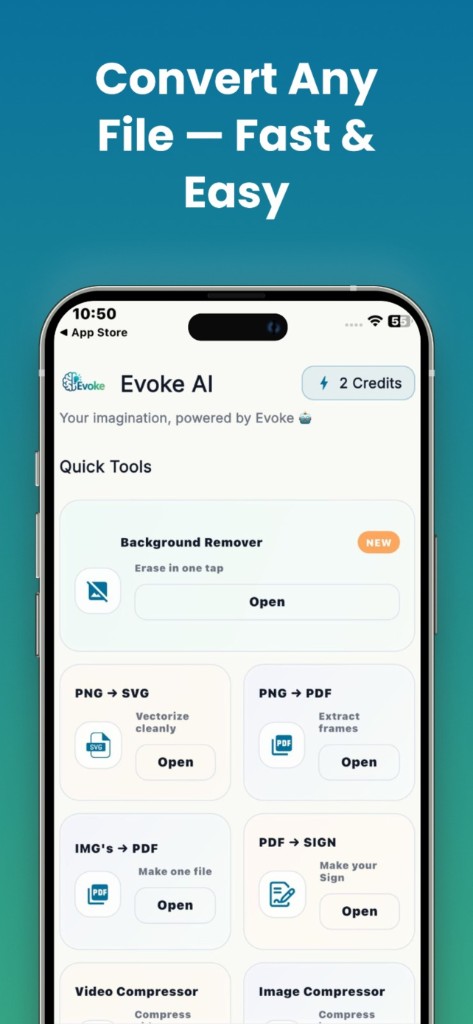
70+ powerful tools, zero clutter
From AI photo restoration to PDF conversion — pick a tool and get professional results in seconds.
Image Resizer
Bulk resize images.
Image Converter
PNG · JPG · WEBP · HEIC · SVG
Image Compressor
Shrink photo file size.
Crop · Rotate · Flip
Quick photo edits.
Watermark Image
Text or logo stamp.
DP Maker
Profile DP with frames.
Collage Maker
Multi-photo layouts.
Passport Photo Maker
Passport & visa sizes.
How it works
Three steps. Seconds, not hours.
Upload your file
Drag and drop a photo, image, or PDF — or pick one from your device. Your files stay private.
Let AI do the work
Choose your tool and let Evoke process it automatically. No manual editing or design skills needed.
Download instantly
Grab your result in one tap — a clean PNG, a tidy PDF, or a brand-new AI creation.
Real results, side by side
Drag the slider on photo tools, and see exactly what every converter does — quality Evoke AI delivers automatically.


Trusted by thousands worldwide
Join a growing community using Evoke AI to create, edit, and transform every day.
"The background remover is pure magic. It saves me hours of editing every week and the transparent PNGs are clean around the edges."

"Evoke AI is my secret weapon for content. Generating images from a prompt and exporting to PDF in the same app is a huge time saver."

"PNG to SVG actually works. I vectorized a client logo and it scaled perfectly for print. Impressive for a free tool."

"Image to PDF and the PDF compressor let me handle contracts on the go. I compressed a 20MB file down to under 3MB with no visible loss."

"I restored my grandparents’ old wedding photo and it brought tears to my eyes. The colorize and descratch features are incredible."

"Free, fast, and no annoying watermark on the web. I use it for assignments constantly. The AI image generator is genuinely fun."

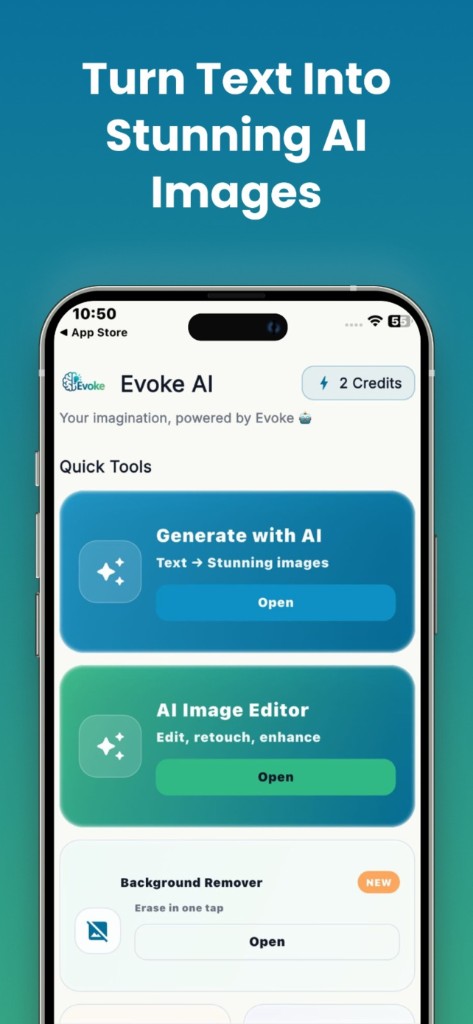
Evoke app
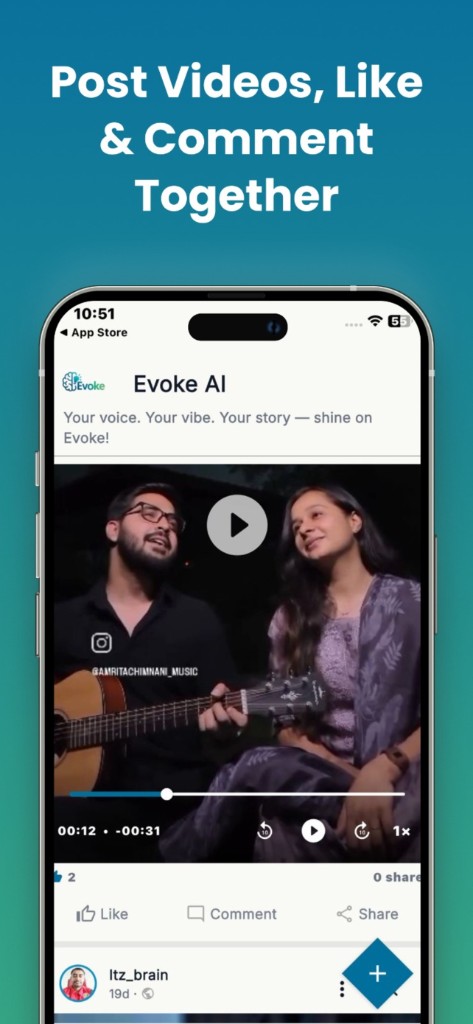
Photo enhancer, colorize, restoration, generator, and PDF tools on Android and iPhone.
Evoke vs other apps
App + website compared with Remini, Photoroom, remove.bg, Picsart, Let's Enhance, and PixelUp.
Take Evoke AI everywhere
The mobile app unlocks the complete toolkit — including AI photo restoration, colorize, and AI portraits — all in your pocket.
- AI photo restoration & colorize
- AI portraits & style transfer
- Full offline access to your gallery
- Sync your creations across devices
Guides, tips & tutorials

How to Compress a Photo to Exactly 20KB or 100KB (For Forms, Exams & Job Portals)
Need to compress image to 20kb or 100kb for a form, exam, or passport photo? Here's the exact 4-step process that actually hits the target size.

Why Won't My iPhone Photos Open on Windows? (HEIC Explained)
iPhone photos won't open on Windows? Here's why HEIC causes it, whether HEIC to JPG loses quality, and the fastest fix — no software needed.

How to Fix a Sideways or Badly Cropped Photo
Crop, rotate, and flip any photo online free. Fix sideways uploads, straighten tilted shots, and set exact aspect ratios. No software needed.
Frequently asked questions
Yes. Every tool on this site is free to use as a guest. There are no ads and no subscription on the web — just open a tool and start creating.
You can try tools for free without an account. Creating a free account with email or Google unlocks unlimited AI usage and lets you sync your work with the mobile app.
Your files are processed securely and are not sold or shared with third parties. See our Privacy Policy for full details.
The web app covers the core tools like background removal, PDF conversion, compression, and AI generation. The mobile app adds photo restoration, colorize, deblur, AI portraits, and style transfer.
The web tools support JPG, PNG, WEBP, SVG, and PDF. The mobile app additionally supports MP4 and MOV for video tools.
Evoke: AI Photo & PDF Editor is available on the App Store and Google Play. Download links are available throughout this site.